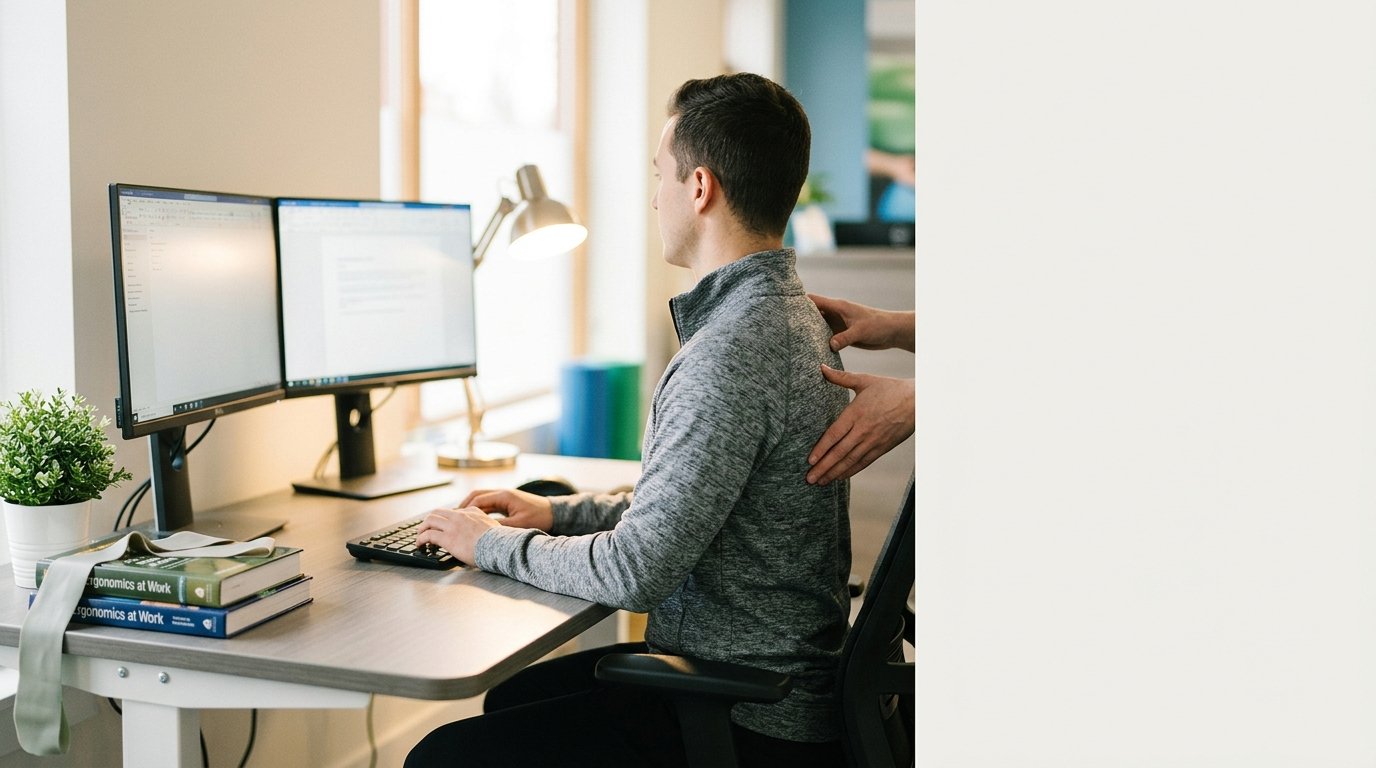
In today's digital workspace, millions of individuals spend eight or more hours every day seated in front of computers. While modern desk jobs have transformed productivity, extended periods of sitting can take a heavy toll on the musculoskeletal system. Chronic lower back stiffness, neck tension, shoulder tightness, and postural headaches are among the most frequent complaints reported by office workers and remote professionals alike.
Understanding how prolonged sitting affects the body is the first step toward preventing uncomfortable strains and maintaining long-term physical well-being. By combining targeted movement, ergonomic adjustments, and professional guidance from physical therapy principles, desk workers can protect their spine and maintain better overall mobility.
Understanding the Mechanical Toll of Prolonged Sitting
The human body is designed for dynamic movement, not static posture. When you sit for prolonged periods, several mechanical changes occur within the musculoskeletal system:
- Lumbar Flattening: Slouching flattens the natural inward curve of the lower back, increasing pressure on the intervertebral discs and surrounding spinal ligaments.
- Forward Head Posture: Looking down at screens or leaning forward causes the head to protrude past the shoulders. For every inch the head moves forward, extra strain is placed on the muscles of the neck and upper back.
- Muscle Imbalances: Sitting positions often cause the hip flexors and chest muscles to shorten and become tight, while the gluteal muscles and upper back postural muscles become lengthened and inactive.
- Reduced Circulation: Static posture limits healthy blood flow to working muscles and spinal joints, leading to fatigue and localized stiffness.
Essential Ergonomic Adjustments for Your Workstation
Creating an ergonomically sound work environment can significantly reduce stress on your spine and joints. While ergonomic setups cannot eliminate the need for regular movement breaks, they help maintain neutral joint alignment throughout the workday.
1. Monitor Height and Distance
Position your primary monitor directly in front of you so that the top third of the screen is at or slightly below eye level. The screen should be approximately an arm's length away to prevent leaning forward or straining your eyes.
2. Chair and Lumbar Support
Adjust your chair height so that your feet rest flat on the floor with your knees bent at approximately a 90-degree angle. Your chair should provide firm support for your lower back curve; if your chair lacks lumbar support, a small rolled towel or lumbar pillow placed behind the small of your back can help.
3. Keyboard and Mouse Positioning
Keep your keyboard and mouse close enough so your elbows remain bent near 90 degrees and relaxed |